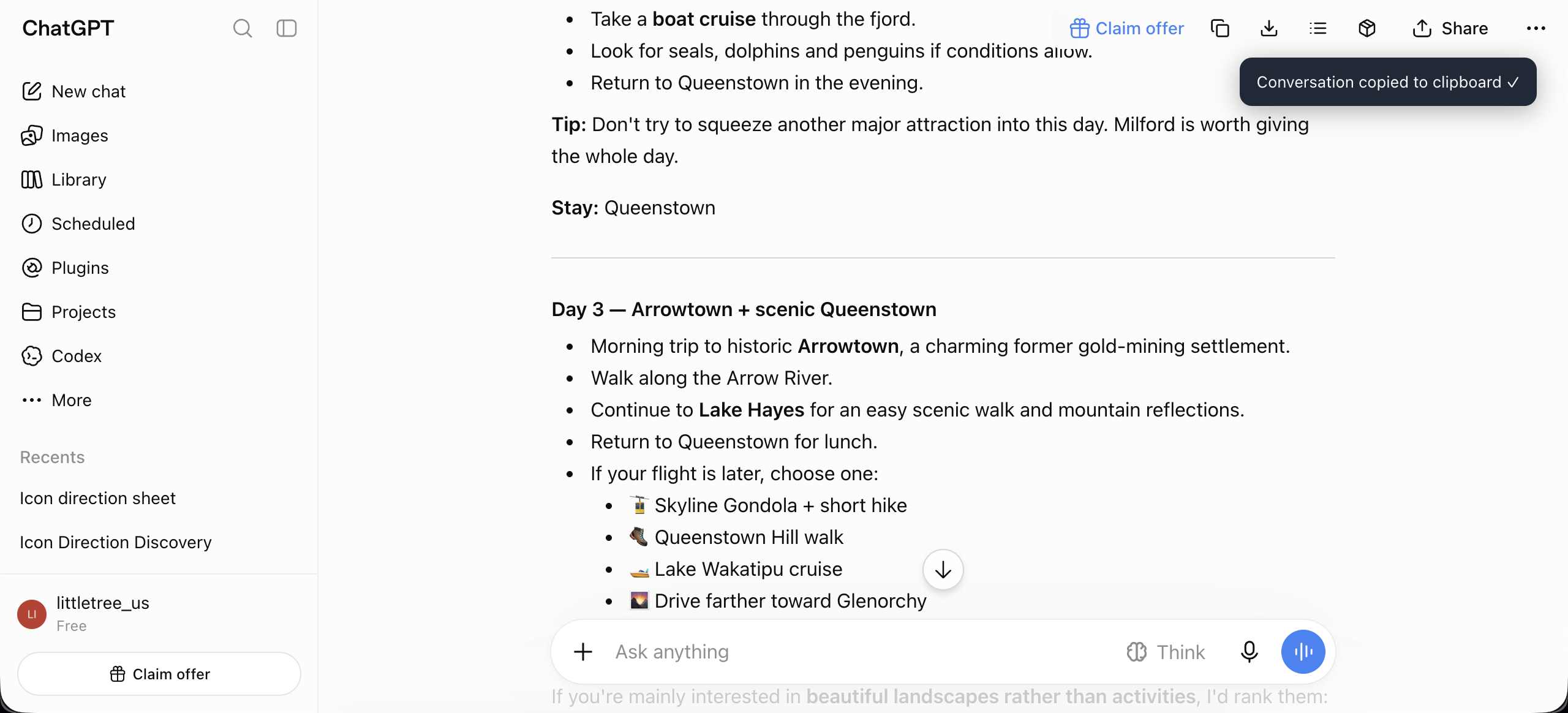
- Your conversations are not uploaded single-conversation exports are read and formatted in your browser; conversations are never sent to the extension author or an extension-operated service. Pro batch export only uses your existing ChatGPT session to read conversations.
- Restrained, not nagging the first 19 exports are completely quiet. The 20th shows one dismissible support prompt, then only the 40th, 80th, and later milestones. “Don’t remind me again” silences it permanently; there are no review requests or persistent ads.
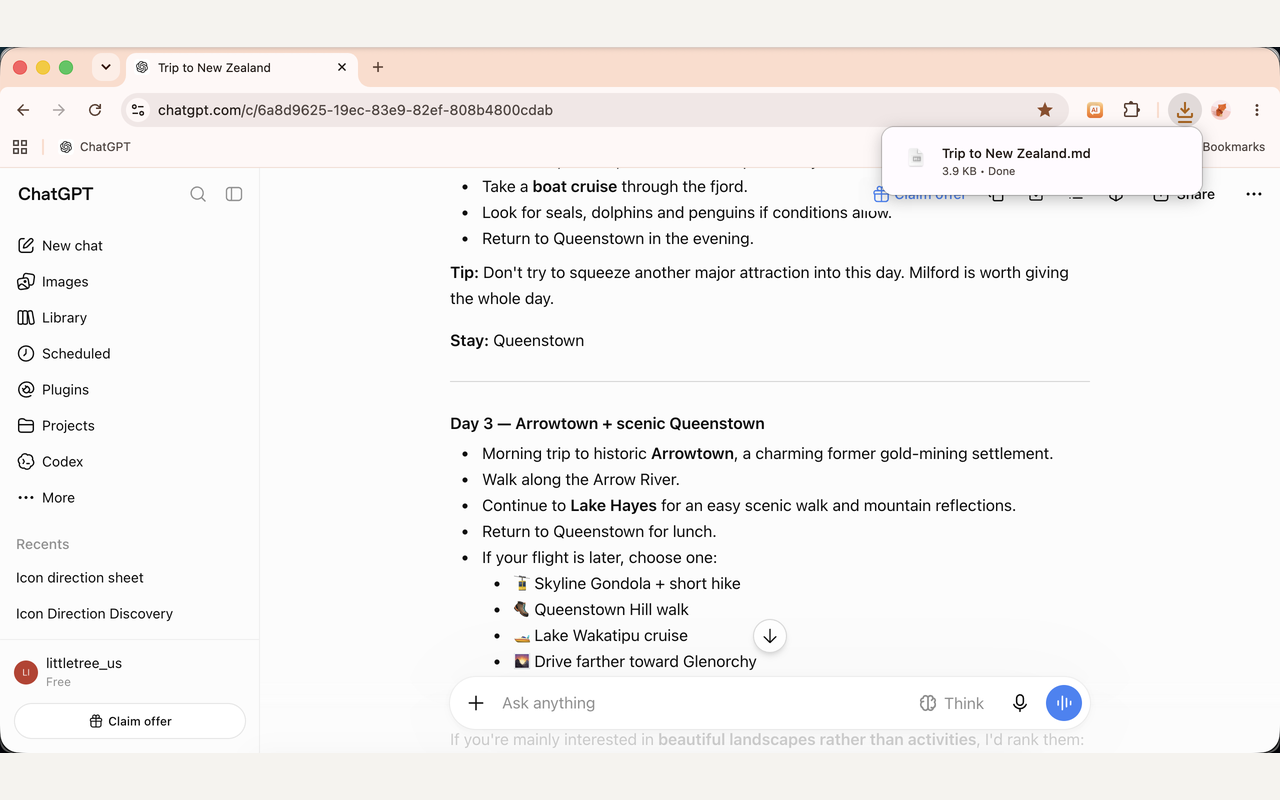
- Download too copies to clipboard by default; enable auto-download in settings to save files named after the conversation title, with optional Obsidian YAML frontmatter.
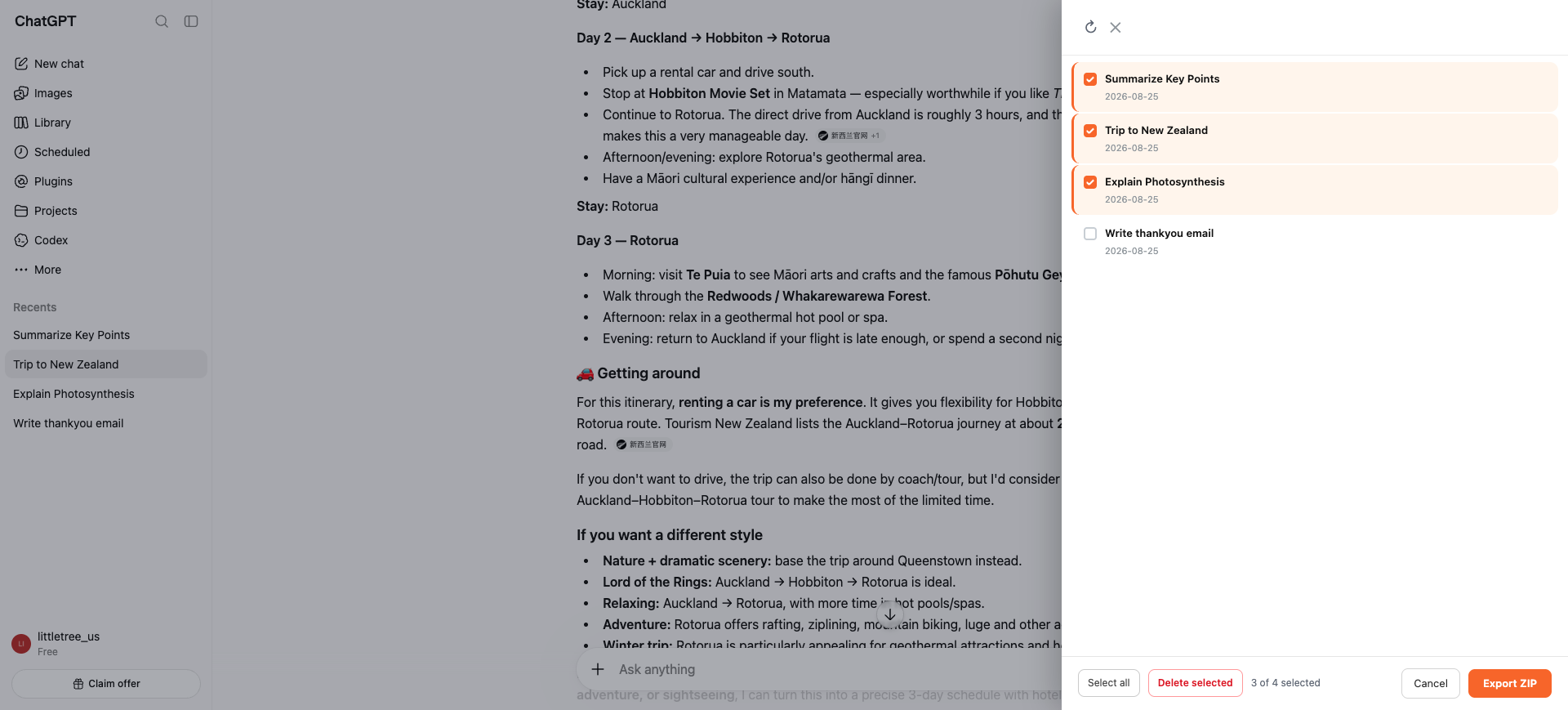
- Pro: batch export select multiple conversations at once and export them all as a ZIP. One-time purchase, $5.99, key delivered to your email, valid forever.
Like it? A coffee helps keep me going.
Buy me a coffee